How to Play Online Games With Friends — Complete Guide
So your group chat is buzzing and everyone wants to game together — but half your crew is across town and the other half is in a different country. No problem. Playing games with friends online through a browser has never been more accessible, and you don't need expensive hardware, platform subscriptions, or even a matching operating system. This guide walks you through exactly how to play with friends in free browser games, from picking the right title to fixing the connection hiccups that always seem to show up at the worst moment.
How Multiplayer Browser Games Work
Before you send that invite link, it helps to understand what's happening under the hood. Browser-based multiplayer games fall into a few categories, and knowing the difference saves you a lot of confusion when setting up.
Server-hosted rooms are the most common model. The game runs on a central server, and each player connects to that server independently. You get a room code or a shareable URL, paste it in the group chat, and everyone joins the same instance. Lag depends on how far each player is from the server, but since modern browser games typically use WebSocket connections, latency is usually manageable.
Peer-to-peer (P2P) games route traffic directly between players' machines. These can feel snappier when everyone is geographically close, but they're more sensitive to one player having a slow upload speed. If one person in your group is on a congested home network, everyone feels it.
Asynchronous multiplayer isn't real-time at all — you take turns, make moves, and come back later. Think puzzle games where your friend's score is the target you're chasing. Less exciting for live sessions, but great when schedules don't align.
Most free-to-play browser games on platforms like FreeJoy use the server-hosted model, which is the most beginner-friendly. You don't need to forward ports, share your IP address, or configure anything on your router. Just click, share the code, and play.
One thing worth understanding: browser games use your browser as the runtime environment. WebGL handles 3D graphics, and modern browsers (Chrome, Firefox, Edge) all support it well. If a game looks choppy, try closing other tabs — each browser tab competes for the same CPU and GPU resources.
Setting Up a Game Room With Friends
Setting up a session is where most groups run into trouble, usually because they skip a few simple steps. Here's a reliable process that works for the vast majority of multiplayer browser games.
Step 1 — Pick one person to host. In most browser games, "hosting" just means being the first person to create the room and grab the code. The host doesn't need a better computer; they just start the session.
Step 2 — Create the room and copy the join code. Nearly every multiplayer browser game has a "Create Room" or "Play with Friends" button on the main menu. Hit it, wait for the room to initialize, and copy the 4-8 character code shown on screen.
Step 3 — Share through your preferred channel. Discord, WhatsApp, Telegram — it doesn't matter. Paste the code wherever your group is already chatting. Don't share a screenshot of the code; just paste the plain text so everyone can copy it cleanly.
Step 4 — Friends join simultaneously. Have everyone click "Join Room" and paste the code at roughly the same time. Staggered joins sometimes cause matchmaking hiccups in games that expect a specific number of players before starting.
Step 5 — Do a quick mic/voice check if the game supports it. Some browser games have built-in voice chat. If yours doesn't, keep Discord or another voice app open in the background — gaming with voice is dramatically more fun than typing.
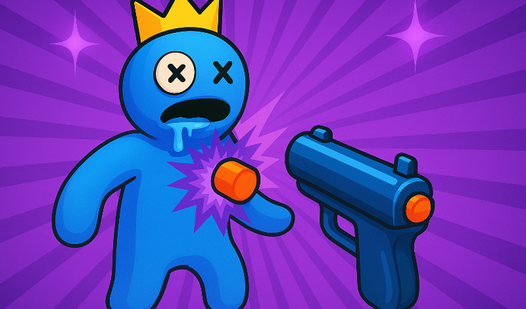
A game that makes this whole process feel effortless is Rainbow Friends: Playground Shooter — a chaotic, rule-free shooter where your whole group drops into a colorful arena and immediately starts causing mayhem. There's no complicated lobby system; the room fills up fast and the fun starts before anyone has time to overthink it.
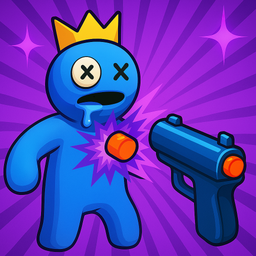
Rainbow Friends: Playground Shooter
Unleash pure mayhem by targeting colorful characters in the most explosive sandbox experience available today. Rainbow Friends: Playground Shooter tur...
▶ Play FreeTip for recurring sessions: if your group plays together regularly, designate the same host each time. Familiarity with a specific game's room system cuts the setup time from five minutes to about thirty seconds.
Best Co-op Games for Beginners
Not every game with "multiplayer" in the description is actually fun to play together as a group, especially if your friends have different skill levels. The best co-op browser games share a few traits: forgiving controls, clear objectives, and enough chaos to keep things funny even when someone makes a mistake.
Here are the standout options currently available on FreeJoy, organized by what kind of session you're planning.
For Pure Exploration and Socializing
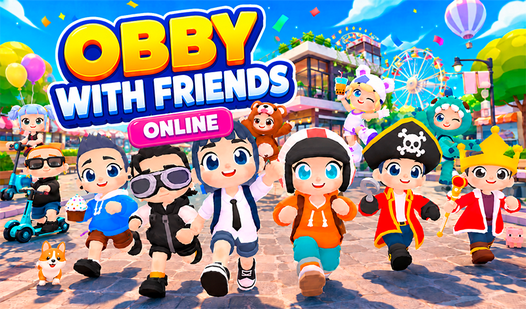
If your group wants to hang out more than compete, a persistent online world is the way to go. Obby with Friends Online puts you in a 3D environment where the goal isn't to win — it's to explore, chat, and discover things together. The world feels alive because other real players are moving through it at the same time. It's the closest a free browser game gets to the "just walking around talking" energy of games like Minecraft.

Obby with Friends Online
Stuck in a boring meeting or just need a quick escape from reality, Obby with Friends Online is the perfect digital playground to recharge. This vibra...
▶ Play FreeFor Role-Playing and Storytelling
Some groups prefer to build a narrative together rather than compete. Sprunki World Online RP - Play with Friends! gives you an adventure world built specifically for collaborative role-play. You can set up scenarios, take on characters, and improvise a story with your friends in real time. If your group has people who love tabletop RPGs or collaborative fiction, this one will land immediately.
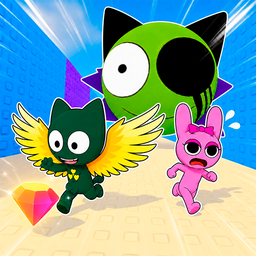
Sprunki World Online RP - Play with Friends!
Navigate through vibrant landscapes and collect hidden characters across a vast map in Sprunki World Online RP - Play with Friends!. This engaging exp...
▶ Play FreeFor Relaxed, Low-Pressure Cooperation
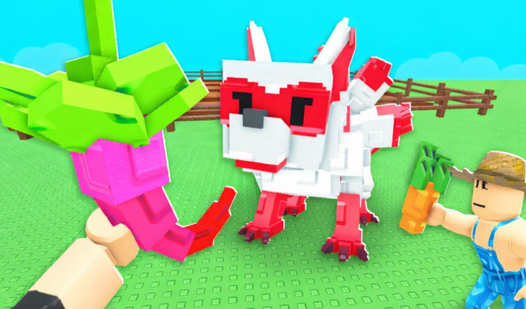
Not every session needs to be high-energy. Grow a Garden: Play with Friends! strips away all the stress and replaces it with the quiet satisfaction of building something together. You and your friends tend a shared garden, unlock rare plants through cooperation, and collect pets as you progress. It sounds simple because it is — but "simple" done well is genuinely relaxing, and it's an excellent pick when half the group is tired or just wants to decompress.
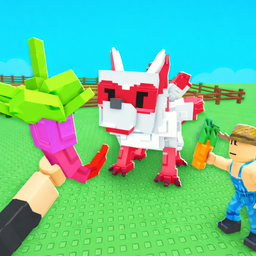
Grow a Garden: Play with Friends!
Staring at a blank screen during a lunch break feels like a missed opportunity for a little digital sunshine. Grow a Garden: Play with Friends! provid...
▶ Play FreeFor Competitive Groups Who Can't Agree on One Game
Mini-game collections solve the eternal problem of mixed preferences. Obby: Mini Games with Friends packages a variety of different challenges into one game, so your group can rotate through modes until everyone finds something they love. The format also keeps sessions from getting stale — if one game type isn't clicking, you're thirty seconds from trying something completely different.

Obby: Mini Games with Friends
Obby: Mini Games with Friends is a must-play for fans of fast-paced platformers who crave endless variety. You will find yourself constantly hooked as...
▶ Play FreeMore Games Worth Trying
Here's a quick grid of additional multiplayer games to explore with your group:
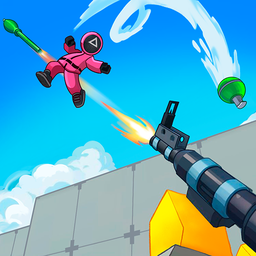
Arena Shooter Online! Fight with Friends!
Fans of competitive action will find their new obsession in Arena Shooter Online! Fight with Friends! as it delivers fast-paced combat right to your s...
▶ Play Free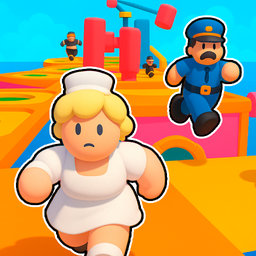
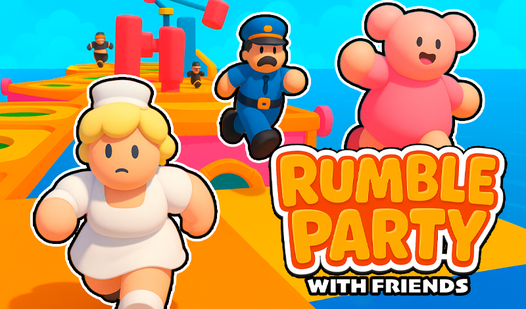
Rumble Party with Friends
Nothing beats the adrenaline of a platformer where every single jump determines if you stay in the running or face an early exit. Rumble Party with Fr...
▶ Play Free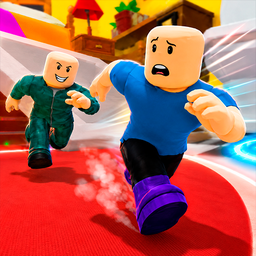
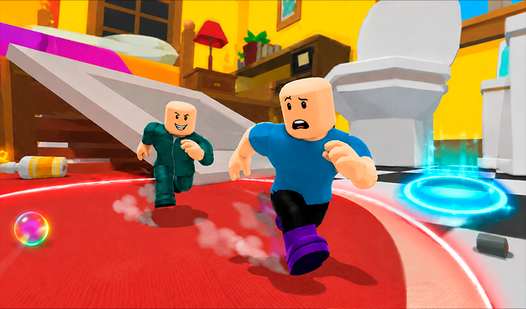
Obby: Hide and Seek with Friends
Fans of high-stakes hide and seek will find their new obsession in Obby: Hide and Seek with Friends. This chaotic multiplayer adventure shrinks you do...
▶ Play Free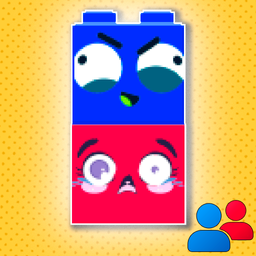
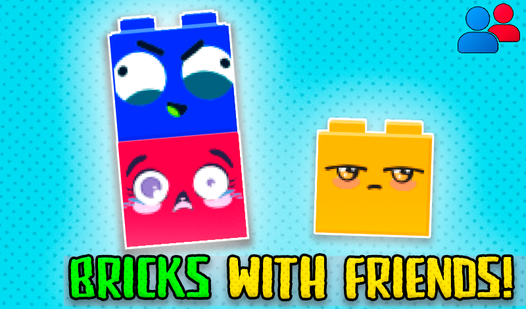
Bricks with friends!
Staring at the clock waiting for your lunch break to end can feel like an eternity. Bricks with friends! turns that downtime into a hilarious test of ...
▶ Play FreeMatching game type to group mood is genuinely the most important decision you make when playing with friends. A high-intensity shooter when half the group is tired leads to frustration. A chill garden game when everyone's energized leads to boredom. Spend thirty seconds asking "what's everyone feeling?" before you pick — it makes a noticeable difference.
Troubleshooting Connection Issues
Even with good intentions and a solid game choice, technical problems can derail a session. Here are the issues that come up most often and how to fix them without spending twenty minutes in a support queue.
"I can't join the room" / Room code not working
The most common cause is a typo. Room codes are case-sensitive in some games, and the letters O and 0, or I and l, look nearly identical in certain fonts. Have the host re-send the code and confirm everyone is copying it exactly.
Second most common cause: the room is full. Many browser games cap players at 4-8. If the game shows a "room full" error, the host needs to either increase the limit in room settings (if that option exists) or create a second parallel session for overflow players.
Third cause: the room expired. Some games auto-close rooms after a period of inactivity. If the host created the room and waited ten minutes for everyone to join, the room may have timed out. Have the host create a fresh one.
Lag and rubber-banding
If one player keeps teleporting around or their actions seem delayed, it's almost always a bandwidth issue on their end. Quick fixes to try:
- Close all other browser tabs (YouTube, streaming services, and video calls are the biggest offenders)
- Switch from Wi-Fi to a wired connection if possible
- Have them close other apps that use the internet (cloud sync, OS updates, etc.)
- Try a different browser — Chrome tends to handle WebGL games better than others
If the lag affects everyone simultaneously, the game's server may be under load. This often resolves itself within a few minutes, or you can try a different server region if the game offers that option.
Audio issues (in-game voice chat)
Browser microphone permissions are blocked by default on most browsers. If in-game voice isn't working:
- Click the padlock icon in the browser's address bar
- Find "Microphone" in the permissions list
- Change it from "Block" to "Allow"
- Reload the page
If the game doesn't request microphone permission at all, it likely doesn't support in-game voice. Just run Discord or another voice app alongside it.
Game crashes or freezes mid-session
Browser games occasionally crash, especially on older machines or when the browser's memory gets fragmented after a long session. Standard fixes:
- Hard reload: Ctrl+Shift+R (Windows/Linux) or Cmd+Shift+R (Mac)
- Clear the browser cache for the specific site
- Close and reopen the browser entirely
- Reduce graphics quality in the game's settings if that option exists
For persistent crashes, check if your browser is up to date. Browser game developers optimize for current versions, and running an outdated browser introduces all sorts of compatibility problems.
Firewall or network restrictions
This is more common in school, office, or university networks. Corporate firewalls sometimes block WebSocket connections, which most multiplayer browser games rely on. If you can load the game page but can't connect to a multiplayer room, a firewall is likely the culprit. The fix depends on your network admin's policies — there's no universal workaround. Playing from a personal mobile hotspot is the simplest solution in these environments.
Everyone's having fun except one person
This sounds like a social problem, but it's often a technical one in disguise. The outlier player might be on a much lower-performance device (old laptop, low-powered Chromebook) that can't keep up with the game's rendering demands. Solutions: lower the browser's hardware acceleration settings, reduce the game window size (some games scale performance with window size), or suggest a less graphically intensive game from the collection.