How to Play Shopping Games: Rules, Tips & Free Picks
Shopping games are one of the most reliably fun genres in browser gaming — and once you know how to play Shopping titles with intention, they reveal surprising depth. Whether you're managing a supermarket, building a mall from scratch, or helping a character blow through a credit card on a fashion spree, the mechanics reward genuine strategic thinking. This guide walks you through everything: what shopping games actually are, their core rules, the strategies that separate top scorers from average players, and the best free shopping games available right now — no download, no registration.
What Are Shopping Games?
Shopping games cover a wide spectrum. At one end you have relaxed fashion titles where you pick outfits and accessories. At the other end are detailed management sims where you're juggling staff rosters, supplier contracts, and customer satisfaction metrics. What they share is a satisfying economic loop: you start with limited resources and grow them through smart decisions.
The main types you'll encounter:
Mall and store management — Build a retail complex from the ground up. Open stores, hire staff, price products, and keep customers happy enough to come back. These lean closest to traditional strategy games.
Supermarket simulators — You run the shop floor: stocking shelves, setting prices, managing inventory rotation, and serving customers at the checkout. Pace is steady but punishing if you fall behind.
Fashion shopping games — You're the shopper, not the shopkeeper. A budget, a store, and an objective (a themed look, an outfit for an event) — spend wisely and score high.
Shopping spree games — Time pressure plus a cart equals chaos in the best way. Grab what you need before the clock runs out, often while competing against other characters.
Kids' shopping games — Designed for younger players, these teach product recognition, counting change, and basic decision-making through simplified supermarket scenarios.
Idle shopping games — Upgrade your store, walk away, come back to earnings. Light on active play, heavy on the satisfying drip of passive income.
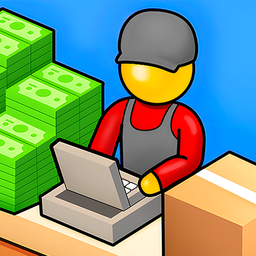
Shopping Business
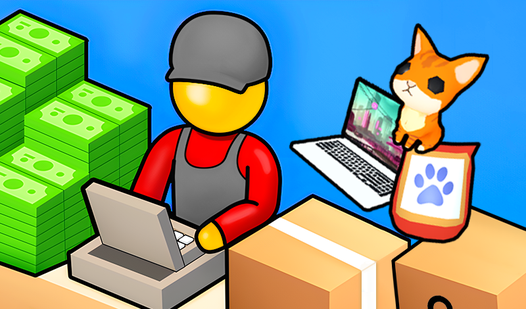
Staring at the clock and waiting for your shift to end can be a real drag when you need a quick mental escape. Shopping Business turns that downtime i...
▶ Play FreeHow to Play Shopping Games: Core Rules That Apply Everywhere
Knowing how to play Shopping games well means understanding the mechanics that appear across nearly every title in the genre. The surface look changes — different art styles, different settings — but the underlying rules stay remarkably consistent.
Rule 1: Budget Is a Resource, Not Just a Number
Your starting cash isn't meant to last the whole game — it's seed capital. The mistake most beginners make is either hoarding it (not upgrading when they should) or burning it immediately (over-expanding before they've learned the rhythm). Healthy budget management looks like this: reinvest 30–40% of your earnings per round into stock or efficiency upgrades, keep 20% as an emergency buffer, and let the rest compound over time.
Rule 2: Customers Vote with Their Feet
In any game where you're serving customers, their behavior is your most important feedback signal. Customers who leave empty-handed cost you more than just that sale — they don't return, and in games with reputation mechanics, they lower your rating. Queue length, shelf availability, and checkout speed are the three levers that directly control customer satisfaction in most titles.
Rule 3: Time Is a Constraint, Not Background
Shopping games almost always have a time dimension — either explicit (a countdown) or implicit (customers getting impatient). The players who struggle in timed levels are usually those who address tasks one at a time instead of batching. Restock all empty shelves in one pass. Process the checkout queue without stopping to reorganize. Group similar actions together.
Rule 4: Upgrades Compound
The upgrade system in shopping games is almost always designed to reward players who think two or three steps ahead. A checkout counter that processes 20% faster sounds modest — but over a hundred customers per level, it's the difference between clearing the objective with time to spare and scrambling at the last second. Prioritize upgrades that multiply your throughput (speed, capacity) over those that add one-time bonuses.
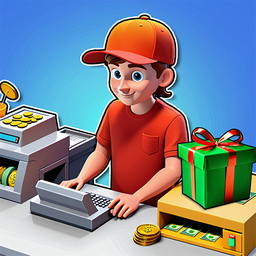
My shopping mall
Running a bustling retail empire is the ultimate test of patience and strategic planning for any aspiring entrepreneur. My shopping mall puts you in t...
▶ Play FreeRule 5: Objectives Change Between Levels
This sounds obvious but it catches players constantly. Level 5 might want you to serve 50 customers. Level 6 might want you to maintain 90% satisfaction. Level 7 might want you to hit a revenue target. Reading the objective before you start a level — actually reading it, not skimming — saves a lot of restarts.
How to Play Shopping Simulator Games Specifically
Simulator-style shopping games sit in a category of their own. You're usually playing from a first or third-person perspective, navigating a store layout, filling a cart, and interacting with products and checkout systems directly. The mechanics feel more physical than abstract management games.
Learn the layout first. The single biggest time-saver in a supermarket simulator is knowing where things are. Don't try to optimize your route on your first run — just get familiar with which aisles hold which categories. Speed comes naturally after that.
Work the shopping list systematically. Most simulator games give you a list of items to collect. Group them by aisle in your head before you start moving. Zigzagging across the store repeatedly is the primary cause of failed timed levels.
Track your budget continuously. Some simulator games will let you overspend and penalize you at checkout; others will cut off your spending at the limit. Know which type you're playing. If there's a budget cap, keep a rough running total as you add items to your cart.
Don't ignore the checkout phase. Simulators often have a minigame at checkout — scanning items, handling payment, making change. These get scored separately from the shopping phase in many games. Treat it as its own challenge rather than a formality.

Shopping Simulator
Retail therapy reaches a whole new level when you can manage an entire digital mall right from your browser. Shopping Simulator turns the mundane act ...
▶ Play FreeHow to Play Shopping Games: Strategies That Actually Work
Here's where the real separation happens. These are strategies that consistently produce better scores and faster progression across shopping game sub-genres.
Mall and Store Management Strategy
Open fewer categories, deeper. New players open every store type as soon as it unlocks. Experienced players pick two or three high-traffic categories and max their upgrade paths before expanding. A fully upgraded electronics store earns more than four half-developed shops competing for the same customer pool.
Read the customer demand data. Most management games surface demand analytics — what customers want versus what you're currently stocking. This isn't decoration. If beverages have a 95% sell-through rate and toys are sitting at 40%, shift floor space and budget accordingly.
Hire ahead of demand. Staff management is the area where players feel the effects most acutely but act the latest. By the time your queues are spiraling and customers are leaving, you're already losing revenue that the new hire won't recover. Hire one position ahead of when you think you need it.
Use events strategically. Games that include events like Black Friday or seasonal sales create demand spikes that reward preparation. Stock up on high-demand items before an event triggers, not during — supply prices often jump mid-event, compressing your margins right when volume is highest.

Black Friday Shopping
Stuck in a mid-afternoon slump with nothing to do but stare at your screen? Black Friday Shopping is the ultimate digital escape that lets you scratch...
▶ Play FreeFashion Shopping Game Strategy
Read the brief fully before touching anything. Fashion shopping games often have criteria that aren't immediately obvious — a color restriction, a formality level, a price ceiling that's lower than your available budget. Players who skim the brief and pick what looks appealing to them personally often miss these and lose stars.
Accessories score disproportionately. In games that score outfits on completeness, accessories (shoes, bags, jewelry, hats) carry more weight per item than most players expect. A mid-tier dress with excellent accessories usually outscores a premium dress worn with nothing else.
Spend close to the budget ceiling. This is counterintuitive for players trained on efficiency. Fashion shopping games that score "budget usage" reward spending close to the cap, not far under it. If your budget is $5,000, target $4,600–$4,900. Games that score for frugality are the exception, not the rule.
Match the vibe, not just the category. "Business casual" and "smart casual" are different. "Party dress" and "gala gown" are different. The games that distinguish between these usually have a style meter or vibe score. Use it.

Rich Girl Shopping Games
Staring at the clock waiting for your shift to end or just need a quick digital escape from the daily grind? Rich Girl Shopping Games is the ultimate ...
▶ Play FreeKids' Shopping Games: Getting the Most Out of Them
Kids' shopping games are mechanically simpler but educationally richer when played with intention. A few things that make them work better:
Let the child lead the list. The learning happens in the recognition — identifying what a product is, where it belongs in the store, and whether it matches what the list says. If an adult guides every pick, the educational loop breaks.
Pause at the checkout. The change-counting or payment selection phase is where most of the numeracy learning lives. Slow down here. Talk through which coins or bills to pick. Let the child make the selection and correct themselves if they get it wrong.
Replay levels intentionally. Kids' shopping games are designed for multiple playthroughs. Speed improves naturally with repetition. Don't push for perfect runs on the first attempt — just focus on recognition and enjoyment.
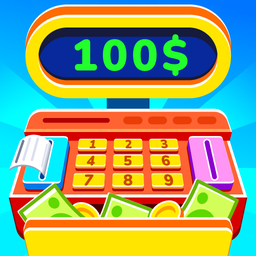
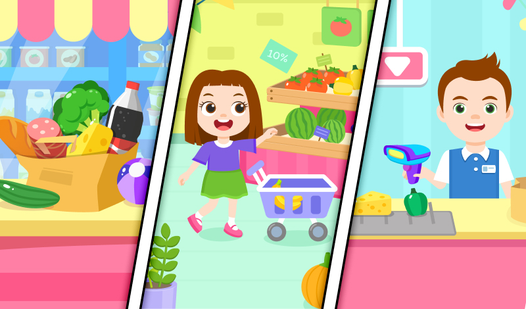
Supermarket - Shopping for Little Kids
Navigate the aisles of a bustling store to complete your grocery shopping list in Supermarket - Shopping for Little Kids. You will hunt for fresh prod...
▶ Play FreeAdvanced Tactics for Mall Building Games
If the mall management style is where you're spending your time, there are some deeper strategic layers worth understanding.
Zone by foot traffic flow, not aesthetics. Put essential or destination stores at the back of your mall — restaurants, anchor department stores, entertainment venues. This forces customers to walk past every other shop to reach them, which drives impulse traffic to specialty retailers. Every successful mall in real life uses this principle. The games model it accurately.
Balance anchor tenants with specialty shops. Big stores draw foot traffic. Small specialty stores monetize that traffic at higher margins. The ratio that tends to work in most mall games: one large anchor for every four or five smaller units. Filling a mall entirely with big-box stores leaves revenue on the table.
Infrastructure before decoration. Corridors that are too narrow create bottlenecks. Too few elevators or escalators create wait times. Badly placed bathrooms (in games that model them) tank satisfaction even when every store is excellent. Infrastructure upgrades pay back immediately in satisfaction scores. Decorative upgrades pay back slowly, if at all.
Long leases beat high short-term rent. In games where you're leasing space to tenants, consistent occupancy at slightly lower rent beats high-rent tenants who churn. Vacant units cost you in setup time and lost revenue during the gap. Long-term, stable tenants are worth the rate compromise.
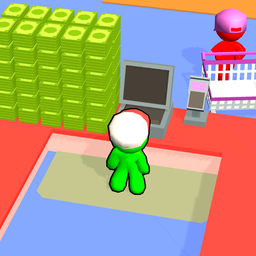
My Mart
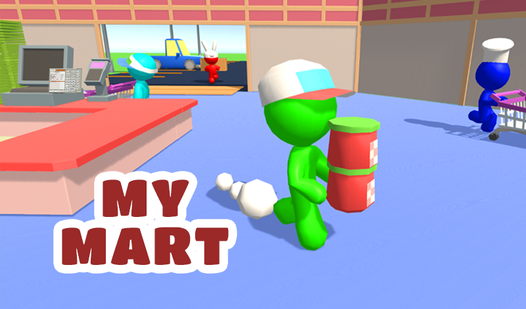
Aspiring entrepreneurs and fans of simulation games will find their next obsession while managing a bustling retail empire in My Mart. You start by cu...
▶ Play FreeThe Best Free Shopping Games to Play Right Now
These titles represent the strongest options across different shopping game styles, all playable free in your browser.
Shopping Business starts you with a single shop and a modest budget, then gives you the tools to build a full commercial empire. The pacing is generous enough to learn the mechanics, and the upgrade path stays engaging deep into the game.
My Shopping Mall is the definitive mall-builder experience for players who want the full management package — opening stores, attracting shoppers, expanding capacity, and watching a commercial hub evolve from a bare floor plan.
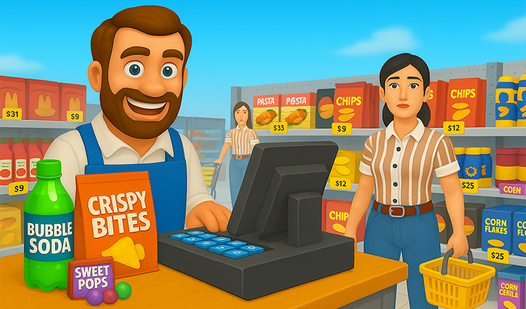
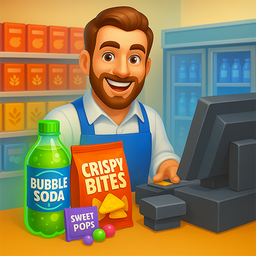
Supermarket Simulator is the most simulation-heavy option on this list. You're pricing items, managing stock rotation, and running a real shop floor. It rewards patience and systems thinking over quick reflexes.
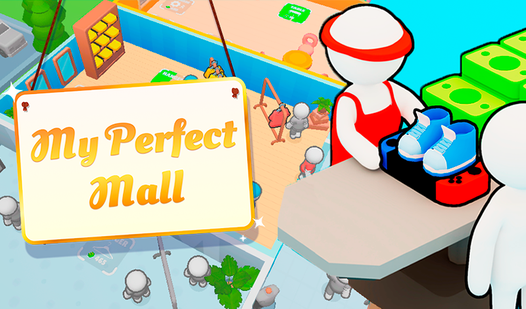
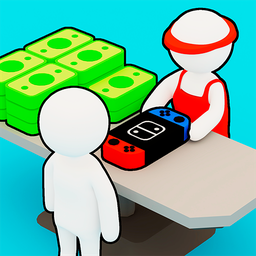
My Perfect Mall adds a design dimension that most mall games lack. You're not just managing economics — you're laying out the physical space, choosing the aesthetic, and creating a coherent shopping environment. Strong appeal for players who like building games as much as strategy games.
My Perfect Mall
Stuck in a long meeting or just craving a quick mental escape from the daily grind? My Perfect Mall transforms that idle time into a high-stakes retai...
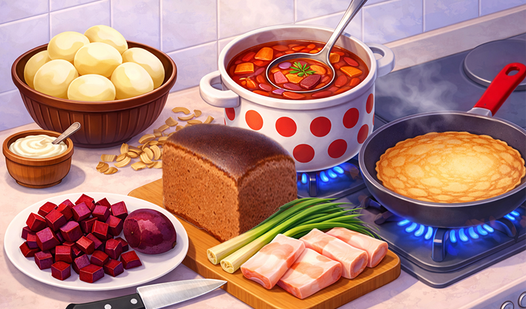
▶ Play FreeFood Truck: Cooking Games sits at an interesting intersection — you're managing stock like a shopkeeper, buying ingredients, and serving customers, but the cooking element adds a different kind of timing pressure. Sessions run shorter than a full mall game, making it a good option when you have 15–20 minutes rather than an hour.
Supermarket Simulator
Aspiring entrepreneurs and fans of management games will find their new obsession in Supermarket Simulator as they build a retail empire from the grou...
▶ Play Free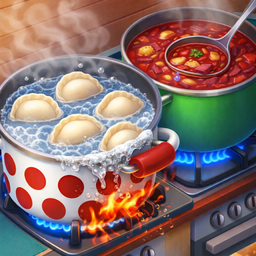
Food Truck: Cooking Games
Staring at the clock waiting for your lunch break to arrive is a classic struggle that usually leads to frantic boredom. Food Truck: Cooking Games tur...
▶ Play FreeMistakes That Most Players Make
Even experienced players fall into the same traps in shopping games. Here's what to watch out for:
Upgrading visuals before operations. A beautifully decorated shop with stock-outs and long queues will fail every time. Operational upgrades — speed, capacity, staff efficiency — always come first.
Skipping the tutorial. Shopping games frequently hide key mechanics in their early tutorial sections. Players who click through quickly often miss features that would have changed their approach entirely. Even if you've played similar games before, take 3–4 minutes to see how this specific game handles its systems.
Panic spending when a level gets hard. The instinct under pressure is to throw money at the problem. This usually makes things worse — you over-hire, over-stock, or upgrade the wrong thing. Stop. Identify the actual bottleneck. Fix that specifically. One targeted change is almost always more effective than a spending spree.
Ignoring customer complaints. Most shopping games give you explicit feedback when customers are unhappy: wait times too long, product unavailable, price too high. This is free diagnostic data. Follow it instead of guessing.
Not saving progress in browser games. Most titles autosave, but tabs close unexpectedly. Identify where the manual save function is early in any game. Losing an hour of progress in a management game is genuinely demoralizing.
Why Shopping Games Deserve More Credit
The "casual" label attached to shopping games undersells what the best titles actually demand. Mall management games require resource allocation, demand forecasting, staff planning, and multi-step strategic thinking. The skills aren't decorative — they're the same frameworks that real retail operations use, just compressed into shorter feedback loops and without the spreadsheets.
For kids, titles like Supermarket Shopping for Little Kids provide genuine learning value: product recognition, number skills, and the concept of making choices within constraints. These aren't just games designed to look educational — the mechanics create real practice repetitions.
For everyone else, the genre occupies a satisfying middle ground between pure entertainment and light strategy. You feel productive even when you're playing. A well-run simulated mall gives you the same quiet satisfaction as a completed to-do list. That's not nothing.
All the games above are playable free on FreeJoy — no account, no installation, open a tab and start playing.