How to Play Keyboard Games Online
If you've ever wondered how to play Keyboard games properly — whether it's a typing challenge, a keyboard-themed puzzle, or a fast-paced action title — you're in the right place. Keyboard games cover a surprisingly wide range of genres, from pure typing tests to action-packed adventures where quick fingers make all the difference. This guide walks you through the rules, strategies, and the best free Keyboard games you can play right now, no downloads or registration required.
What Are Keyboard Games?
Keyboard games are browser-based games that use your keyboard as the primary input device. Some literally put the keyboard itself front and center — like typing tests that measure your words per minute. Others are action, racing, or adventure games where hotkeys and key combinations define how well you perform. The term broadly covers:
- Typing games — where you race against time or other players to type words and sentences accurately
- Keyboard simulators — games that celebrate the feel and sound of mechanical keyboards
- Action and arcade games — where WASD, arrow keys, and spacebar are your core tools
- Racing and driving games — where smooth keyboard inputs separate winners from those spinning out
The common thread is that your keyboard isn't just a peripheral — it's the center of the experience.
Why Keyboard Games Are So Popular
Keyboard games are incredibly accessible. No controller needed, no touchscreen required — just you and the keys you already have. They train real-world skills like typing speed and accuracy, improve hand-eye coordination, and often feel more precise than mouse or touch controls for certain game types. Plus, most keyboard games are free to play directly in your browser, making them a zero-barrier entry point to online gaming.
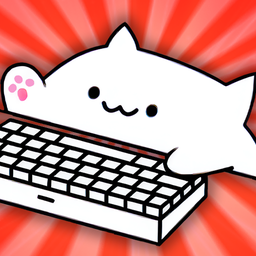
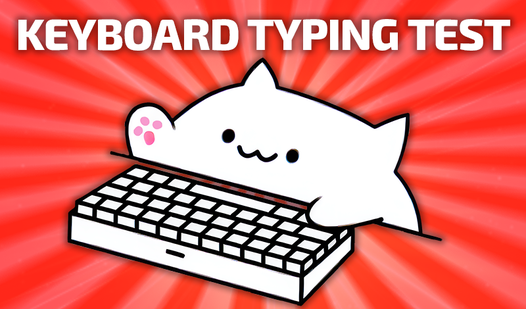
Keyboard Typing Test
Staring at a blank screen while your motivation slowly slips away is a universal struggle during a long day at the desk. Keyboard Typing Test provides...
▶ Play FreeRules and Basics of How to Play Keyboard Games
Understanding the basics is essential no matter which type of keyboard game you're playing. Here are the universal principles across all major types.
Typing Games: Core Rules
In typing games, the goal is simple — type what you see on the screen as fast and accurately as possible. Here's how most of them work:
- Words or sentences appear on screen, usually with a timer or countdown
- You type exactly what you see, character by character
- Accuracy matters as much as speed — typos slow you down and tank your final score
- Your WPM (words per minute) score is calculated based on characters typed correctly divided by total time
Key mechanics to understand:
- Backspace is your friend — most typing games allow corrections, but each fix costs precious time
- Focus ahead — train your eyes to look at the next word while your fingers are still typing the current one
- Rhythm beats bursting — steady, consistent typing outperforms frantic speed-typing for overall accuracy scores
Action Keyboard Games: Standard Controls
For action, racing, and adventure games using keyboard controls, the near-universal layout is:
| Key | Action |
|---|---|
| W / ↑ | Move forward / accelerate |
| S / ↓ | Move back / brake |
| A / ← | Turn or move left |
| D / → | Turn or move right |
| Space | Jump, shoot, or handbrake |
| Shift | Sprint or boost |
| E / F | Interact or use ability |
Most keyboard action games follow this layout because it mirrors intuitive physical movement mapping. Learning it once means you're familiar with the basics of almost every new keyboard game you pick up.
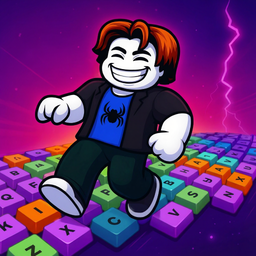
Clicky Keyboard Tower
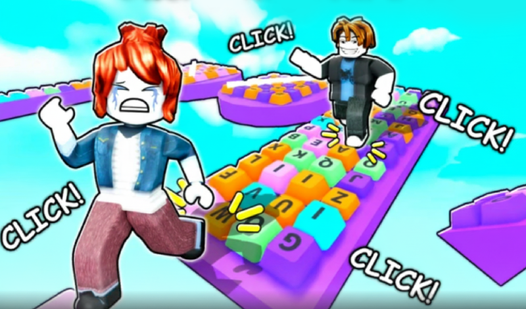
Leap across giant mechanical buttons to scale an impossibly high structure in Clicky Keyboard Tower. Every jump triggers a crisp, satisfying sound tha...
▶ Play FreeKeyboard Simulator Games
Games themed around keyboards themselves — clicker-style or builder games — usually run on a different rule set:
- Press or click specific keys to earn resources or accumulate score
- Unlock upgrades as your totals grow
- Manage combos — consecutive correct actions multiply together for bonus points
- The loop is the point — the relaxing, tactile feedback of each keypress is the core mechanic
The rules are deliberately simple here so you can settle into the satisfying rhythm of the gameplay itself.
How to Play Keyboard Games: Strategies and Tips
Here's where general knowledge turns into actual skill. These strategies apply across keyboard game types.
Typing Game Strategies
Master the home row first. Your fingers should naturally rest on A-S-D-F (left hand) and J-K-L-; (right hand) when not actively typing. Every key on the keyboard is reachable from this position without looking away from the screen. Internalizing the home row is the single most effective upgrade a keyboard gamer can make.
Stop looking at your hands. This is the biggest hurdle for most players at every skill level. Commit to watching the screen exclusively, even when it feels wrong at first. After a few sessions it becomes natural, and your speed increases dramatically because your brain stops splitting attention.
Use proper finger assignments. Each finger has assigned keys — your left index handles F, G, and neighbors; your right index covers J, H, and theirs. Consistent assignments build muscle memory. Random key hunting, no matter how fast it feels, never produces reliable speed.
Slow down to speed up. Practicing at 80% of your maximum speed builds clean accuracy, which eventually delivers higher sustained performance than fast-but-sloppy typing ever can.
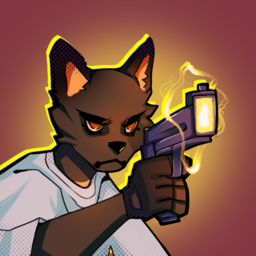
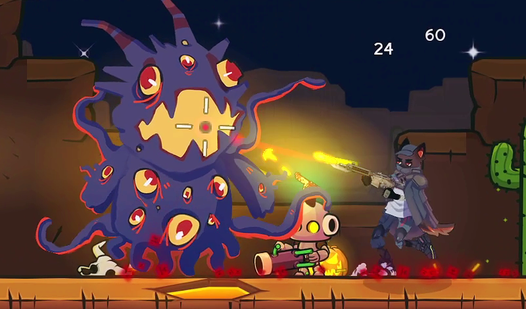
Bark N Blast
Space exploration often leads to unexpected encounters, but crash-landing on a hostile alien planet as a canine pirate is a whole new level of trouble...
▶ Play FreeAction and Racing Keyboard Tips
Choose WASD over arrow keys when possible. WASD keeps your left hand within reach of Shift, Ctrl, and nearby shortcut keys. Arrow keys isolate your right hand from most game actions.
Read the controls screen before you start. In any keyboard game, checking the controls or settings before your first run is the highest-value action you can take. Knowing every available key puts you at a genuine advantage from second one.
Minimize unnecessary keypresses. New players often hold down multiple keys hoping for faster results. Deliberate, well-timed inputs are consistently more effective than mashing.
Practice obstacle recognition. In racing or platformer keyboard games, train yourself to spot upcoming hazards early and react in advance. Last-second inputs produce mistimed key presses — the number one cause of crashes and missed jumps.
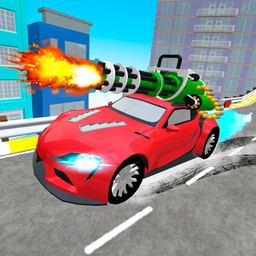
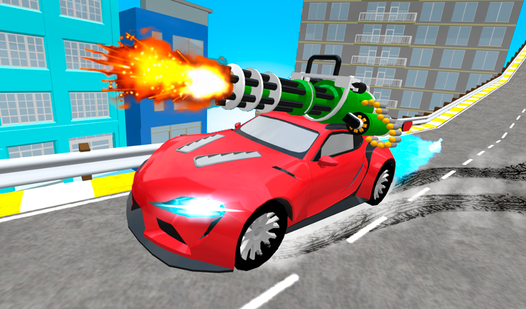
Gun Racing
Blast past your rivals and dominate the track as you combine high-octane speed with explosive combat in Gun Racing. This intense experience forces you...
▶ Play FreeGeneral Keyboard Gaming Tips That Actually Work
- Keep your keyboard clean. Debris under keycaps affects gaming performance more than most players realize. A quick clean every few weeks makes a difference.
- Raise your wrists slightly. Resting your wrists flat on the desk during extended sessions builds fatigue faster. A slight elevation reduces strain.
- Take breaks every 20-30 minutes. Accuracy drops measurably after sustained keyboard gaming sessions. A two-minute break resets your focus and precision.
- Use fullscreen mode. Hit F11 in most browsers to fill the screen. Browser toolbars and notifications are distractions that hurt performance in fast-paced keyboard games.
- Play in short, focused sessions. Fifteen minutes of intentional practice beats two casual hours for actual skill development. Focus on what you're doing wrong in each run.
Best Free Keyboard Games Online
Here are the best free titles available right now — playable directly in your browser, no installation required.
Keyboard Typing Test
The purest keyboard experience available: a clean typing test that measures your genuine speed and accuracy. You receive a passage of text and a timer; your job is to type it as fast and correctly as possible. Your final score shows WPM alongside accuracy percentage, making it both a game and an honest skill-measuring tool.
What makes it worth returning to is the immediate, specific feedback. Each run shows exactly where you slowed or made mistakes. A week of daily 5-minute sessions produces measurable improvement in both metrics.
Keyboard Typing Test
Staring at a blank screen while your motivation slowly slips away is a universal struggle during a long day at the desk. Keyboard Typing Test provides...
▶ Play FreeSueta Online
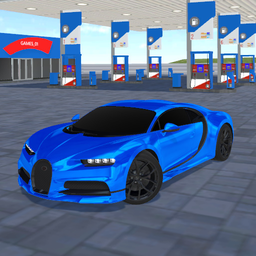
Sueta Online is an open-world driving game where all controls run entirely through your keyboard. You navigate a dynamic urban environment, complete objectives, and manage traffic — all through key inputs. It's an excellent test of keyboard multitasking: acceleration, steering, braking, and activating abilities happening simultaneously.
Managing multiple keyboard functions in a live environment makes Sueta Online one of the better real-world keyboard control trainers in the free browser gaming space.
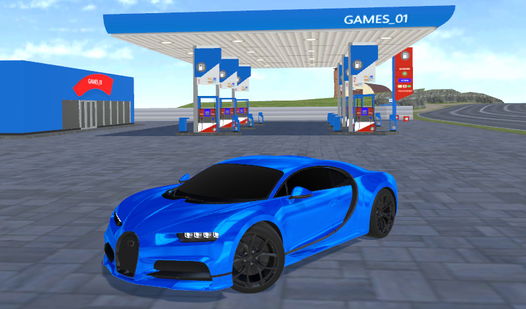
Sueta Online
Street racing enthusiasts craving an authentic online experience will immediately feel at home behind the wheel of Sueta Online. This open-world simul...
▶ Play FreeATV Ultimate Offroad
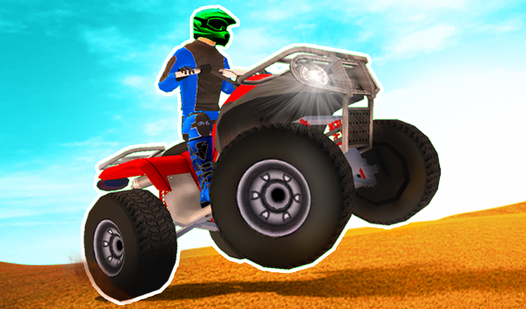
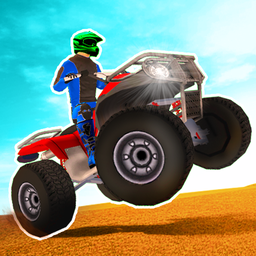
Take a powerful all-terrain vehicle through rugged off-road courses entirely via keyboard. Throttle control, steering, and trick inputs all run through your keys, making this a fun challenge for players who want to push their coordination across varied terrain types.
ATV Ultimate Offroad
Adrenaline junkies who live for high-speed racing will find their home on the dirt tracks of ATV Ultimate Offroad. This high-octane simulator captures...
▶ Play FreeTank Attack 5
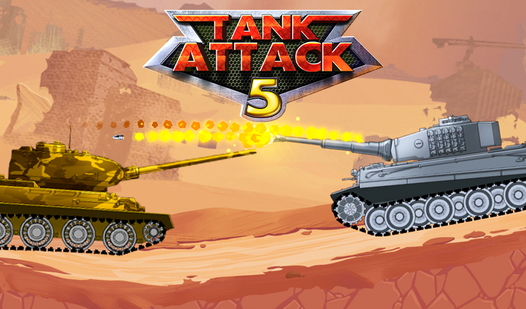
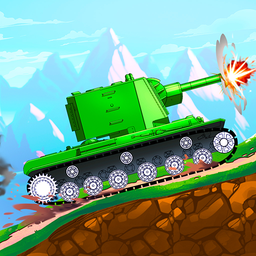
Command a tank through escalating battlefield scenarios with full keyboard control. The key challenge here: movement and firing happen simultaneously, requiring you to split attention across multiple key assignments without losing track of either.
Tank Attack 5
Command legendary steel beasts and dominate the battlefield in Tank Attack 5 as you crush enemy lines and prepare for epic boss fights. You will gathe...
▶ Play FreeCar Crash Test
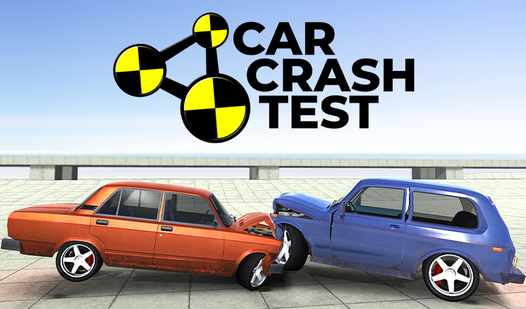
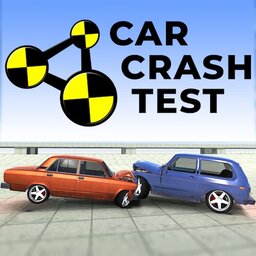
A physics-heavy driving game where you set up spectacular crash scenarios entirely through keyboard inputs. Less about precision speed, more about understanding how keyboard controls translate into momentum and collision physics — genuinely satisfying once you find the right inputs for maximum spectacle.
Car Crash Test
Smashing vehicles into concrete walls at high speeds provides a unique adrenaline rush that makes Car Crash Test a must-play experience. You take cont...
▶ Play FreeCrazy Motorcycle
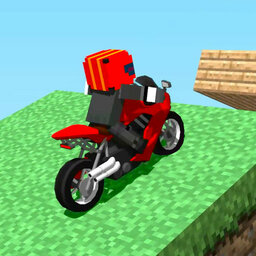
High-speed motorcycle racing with full keyboard control. Motorcycles are inherently less stable than cars in physics simulations, which means keyboard inputs need to be smoother and better-timed than in car games. A great test of refined, measured key control.
Crazy Motorcycle
Staring at a blank screen during a midday slump is the worst, but finding an instant adrenaline fix is exactly what you need to recharge. Crazy Motorc...
▶ Play FreeA Practical Progression for Getting Better at Keyboard Games
If you want systematic improvement, here's a realistic approach:
Phase 1 — Foundation (Week 1) Start exclusively with typing games. Aim for 95%+ accuracy even if your speed is painfully slow. Don't track WPM yet. Just get the accuracy right. Ten minutes per day is enough.
Phase 2 — Speed Building (Week 2) Once accuracy is consistent, push your pace. Allow more mistakes temporarily and chase speed. Your accuracy will recover as muscle memory forms.
Phase 3 — Action Games (Week 3) Move into action and racing titles. Apply your improved hand position and muscle memory to real-time inputs. Notice how home-row awareness translates into faster reaction times.
Phase 4 — Multitask Training (Week 4+) Play games that demand simultaneous actions — steering while shooting, accelerating while using abilities. This trains your brain to run multiple keyboard "channels" in parallel without dropping either.
Ongoing: Consistent Short Sessions The players who improve fastest aren't the ones playing the longest sessions — they're the ones playing the most consistent short sessions, paying attention to specific errors and correcting them deliberately.
Common Keyboard Game Mistakes
Rushing past the tutorial. Every keyboard game has a learning curve. Even experienced keyboard gamers should take two minutes to check game-specific controls. Finding out 20 minutes in that you've been using wrong bindings wastes the entire session.
Building speed on bad form. Speed developed through inconsistent finger assignments is fragile. It falls apart under pressure. Build on solid form first.
Playing on a dirty or unreliable keyboard. For casual play this doesn't matter much. For anyone taking keyboard games seriously, key responsiveness and consistent travel distance make a real difference in performance. Even a basic membrane upgrade over a mushy laptop keyboard is noticeable.
Skipping fullscreen. Notifications, browser chrome, and background activity all chip away at performance in time-sensitive games. Fullscreen is a free performance boost.
No rest periods. Finger fatigue is real and measurable. Long unbroken sessions produce significantly worse accuracy than the same total time split into shorter segments.